Clear a patch
Use your equipped tool to carve through the dunes. Watch how much your pack can hold before the next trip.
Every Last Grain is a first-person digging game about moving sand, upgrading your setup, and finding the strange things buried under the dunes.
Your work is simple: recover sand, bring it back to camp, and turn the payout into a faster way to clear the next patch.
Use your equipped tool to carve through the dunes. Watch how much your pack can hold before the next trip.
Return to camp and unload your haul. The game tracks the sand you recover and pays you for the load.
Spend your earnings on value, capacity, speed, or pickup range so the same route takes less time.
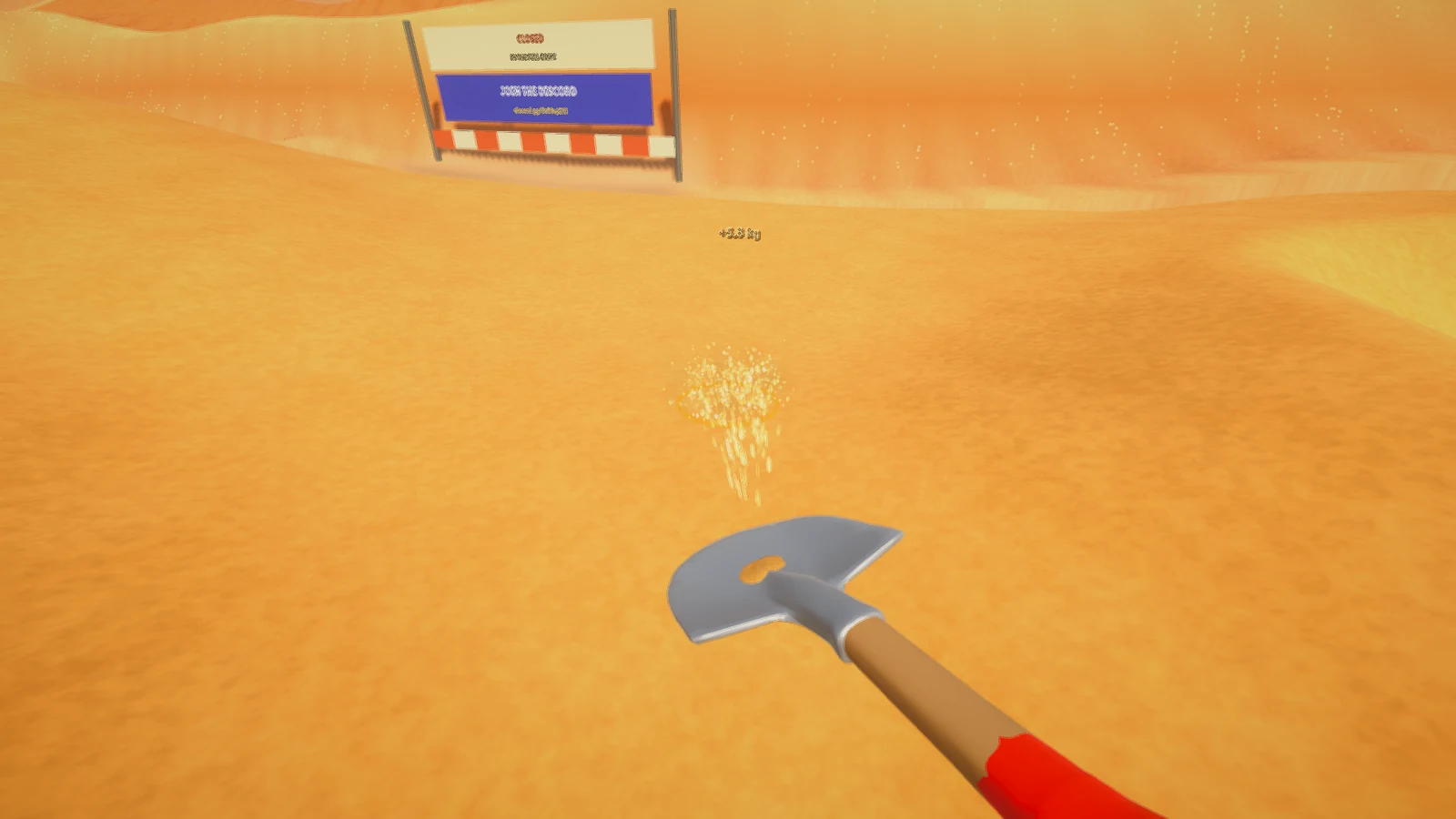
Early trips should be short. Clear the ground nearest camp, learn the unloading route, and put your first payout back into the bottleneck that slows you down most.
Prioritize the return from sand you sell.
Plan fewer unloading trips with a larger carrying capacity.
Reduce time spent clearing sand from each deposit.
Make pickup passes less dependent on precise positioning.
A few practical answers about the browser player and your progress.
No. The authorized build runs in the player above. You still need a desktop browser with WebGL 2 support.
Click the canvas to capture the cursor. Press Esc to release it, and use P for the in-game menu.
The Unity build stores progress in your browser. Keep the same browser profile and avoid clearing site data if you want to continue.
The checklist works on mobile, but the game itself is designed for a keyboard and mouse.